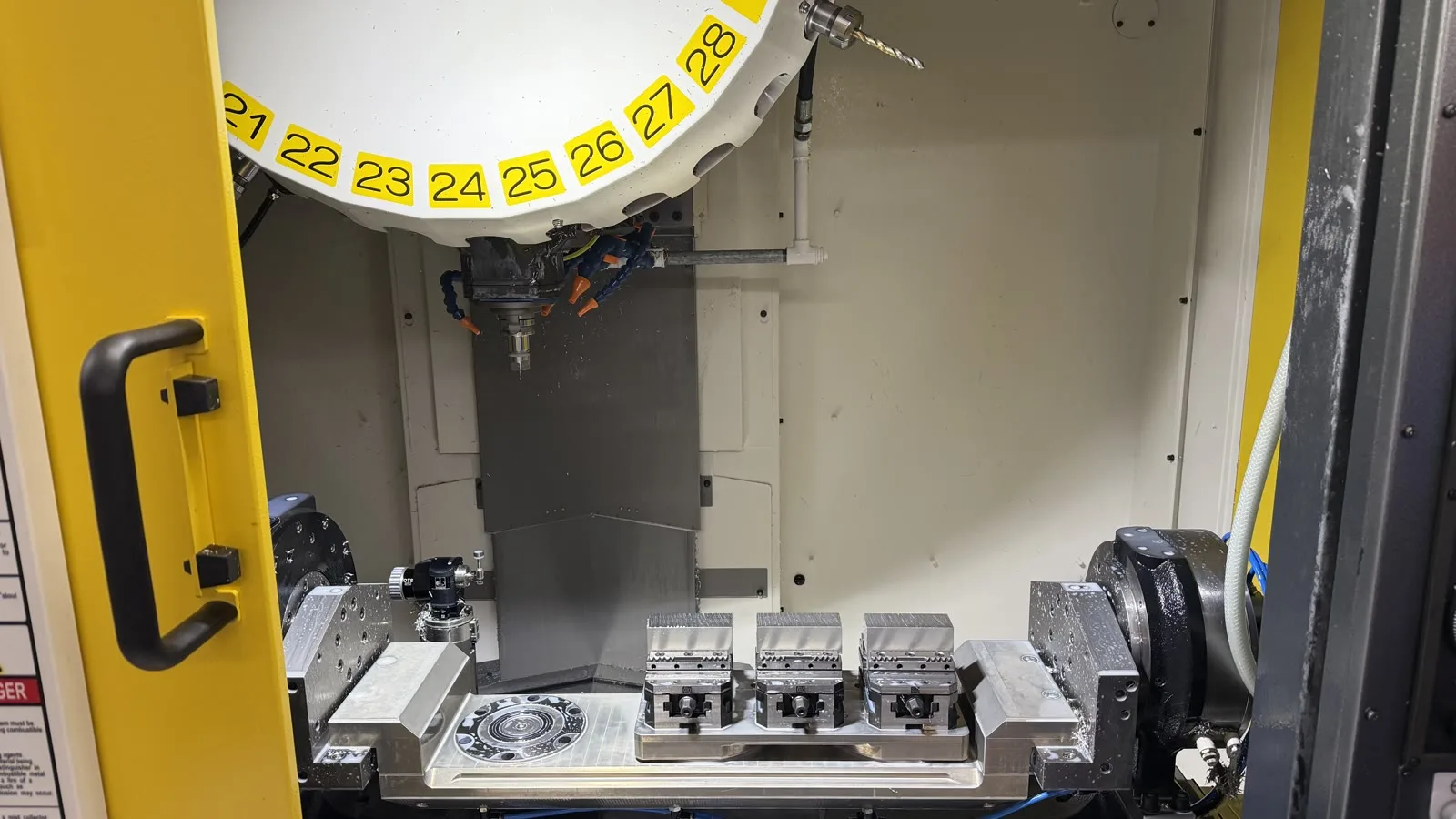
One program, multiple parts: Fusion CAM and FANUC ROBODRILL at CNC Plus
CNC Plus case study: Autodesk Fusion CAM and a custom postprocessor run multiple parts on a FANUC ROBODRILL using G52, M98 Q and Macro B.
Articles about CNC, CAM programming and post-processors.
CNC Plus case study: Autodesk Fusion CAM and a custom postprocessor run multiple parts on a FANUC ROBODRILL using G52, M98 Q and Macro B.
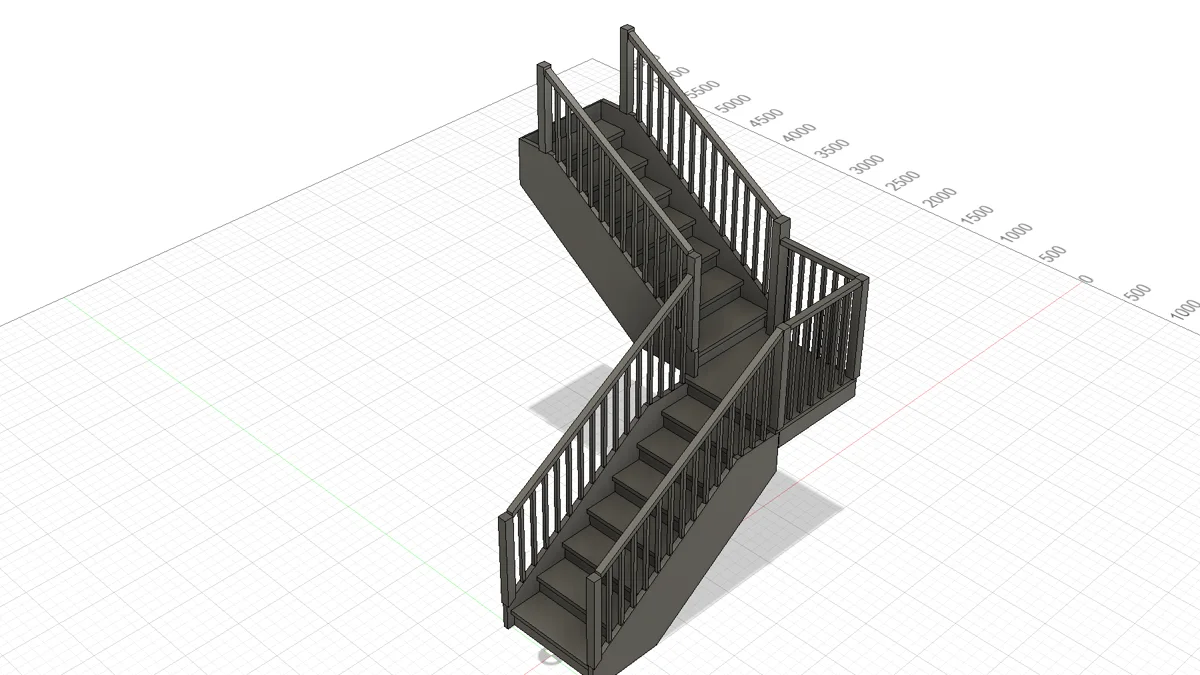
How to design a timber staircase in Autodesk Fusion: parametric modelling, joinery, part DXFs, manufacturing documents and CNC preparation.
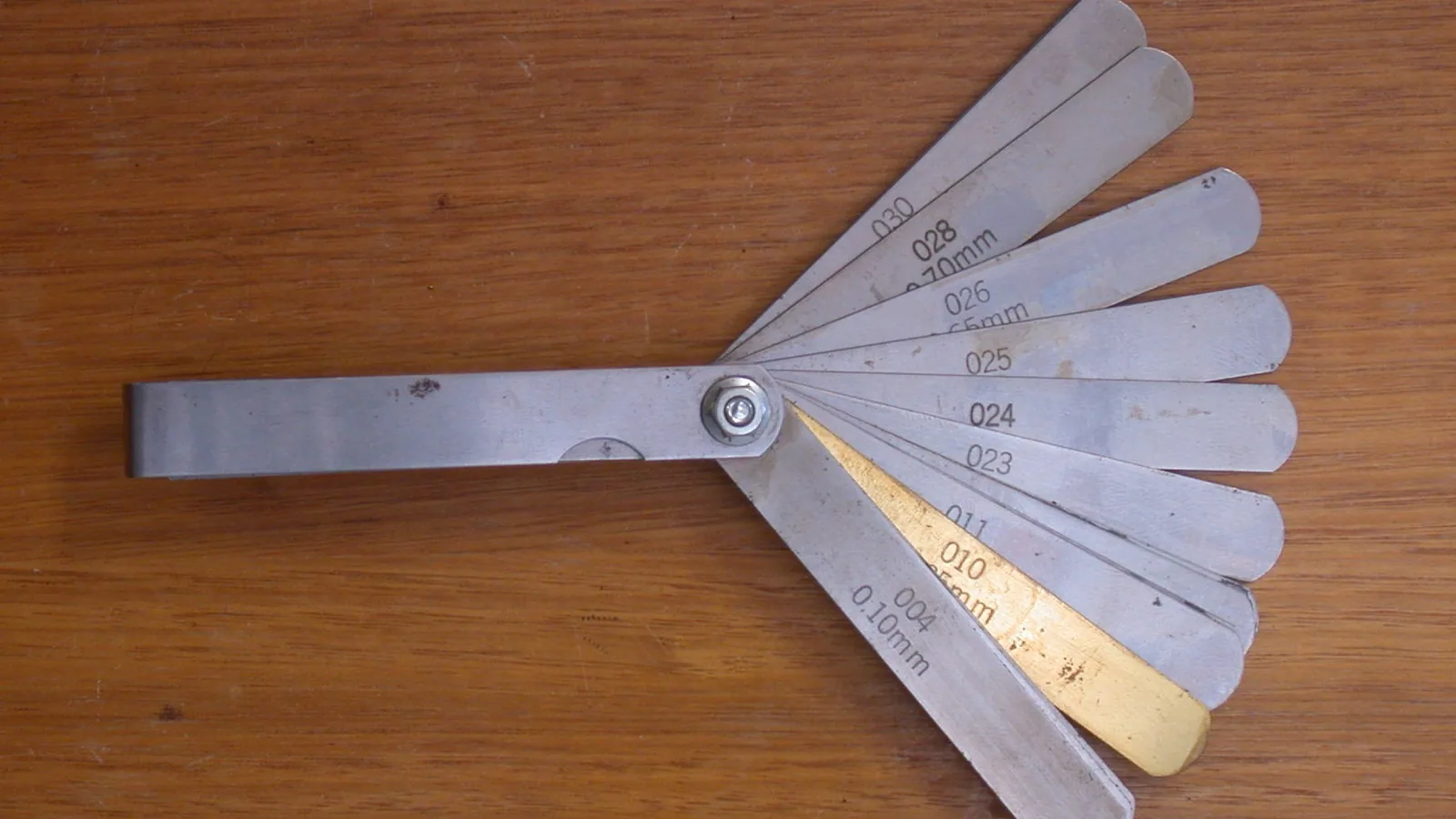
Set CNC work zero in X, Y and Z without a probe: edge finder radius, feeler gauge or gauge block for Z, woodworking CNC stops and the matching Origin in Autodesk Fusion.
Learn FANUC Macro B with practical variables, IF checks, WHILE loops and G65 calls—plus when macros belong in the CNC and when toolpath logic belongs in CAM.
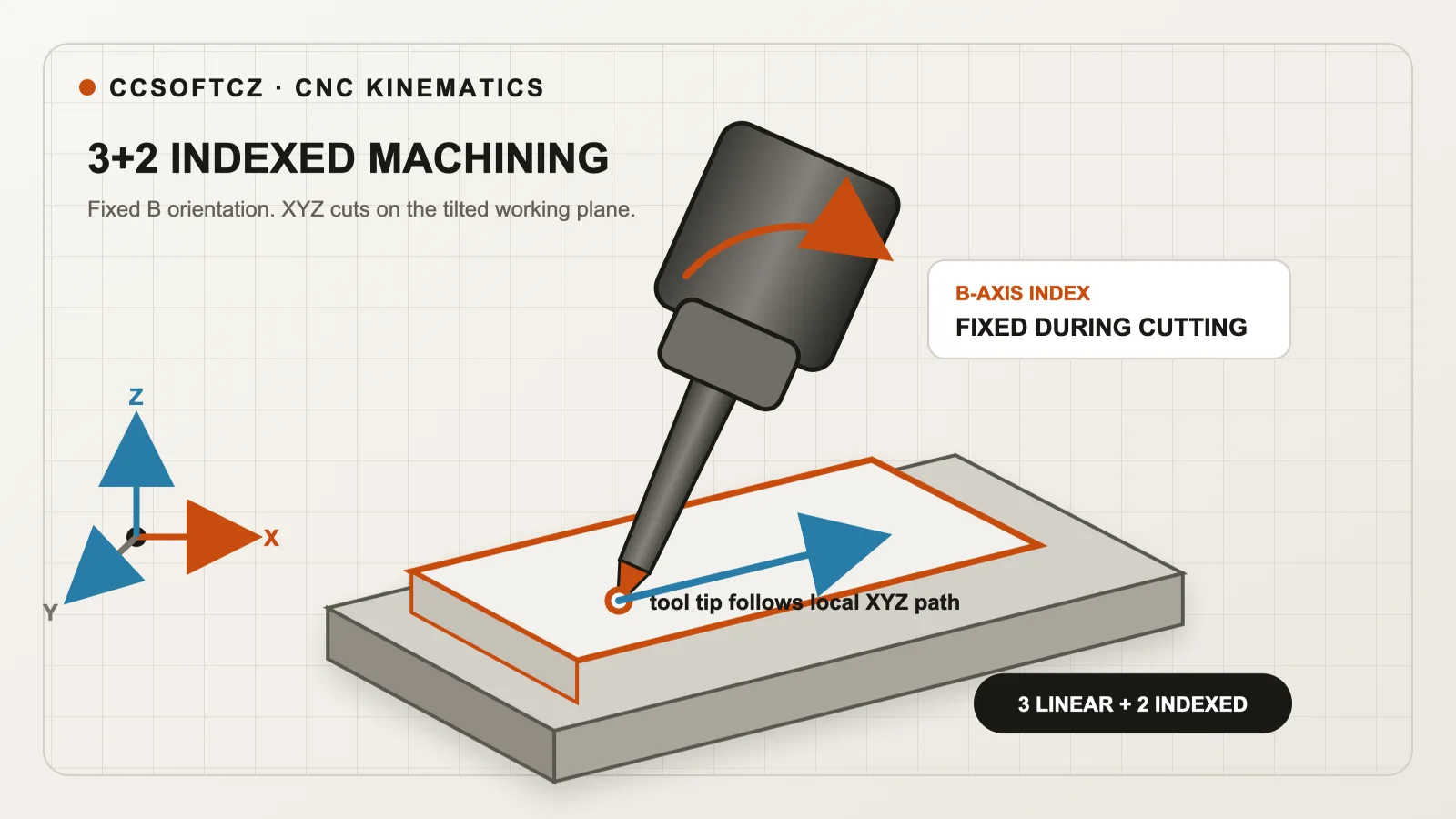
Learn 3+2 vs simultaneous 5-axis CNC machining: FANUC G68.2/G43.4, HEIDENHAIN PLANE SPATIAL/TCPM, Siemens CYCLE800/TRAORI, including machines without TCP.
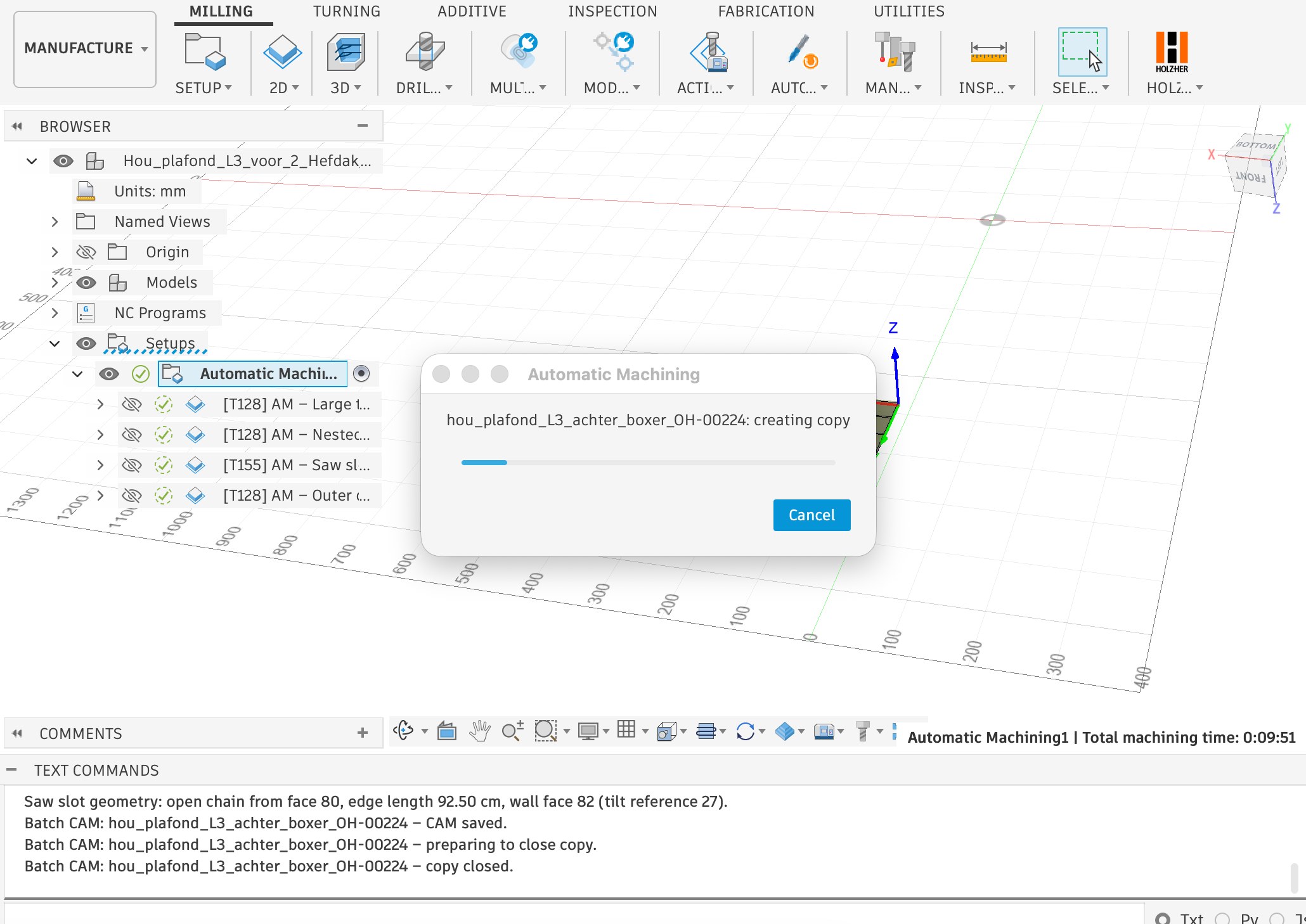
Automatic Machining processes an entire folder of 3D models in Autodesk Fusion to create CAM setups, toolpaths, NC code, and a PDF report.
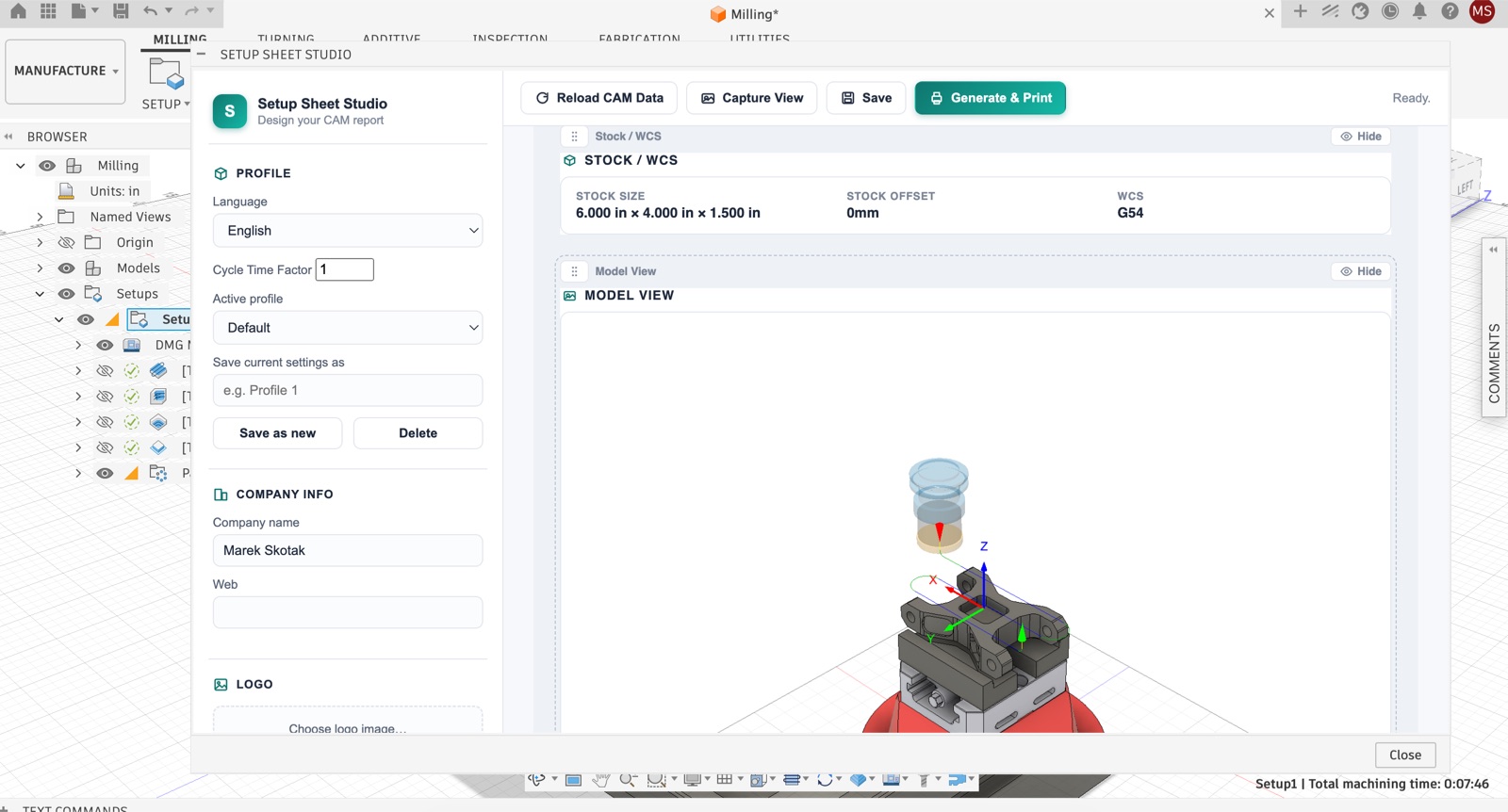
Build branded Autodesk Fusion setup sheets with drag-and-drop sections, custom tool and operation tables, multilingual output, and one-click PDF export.
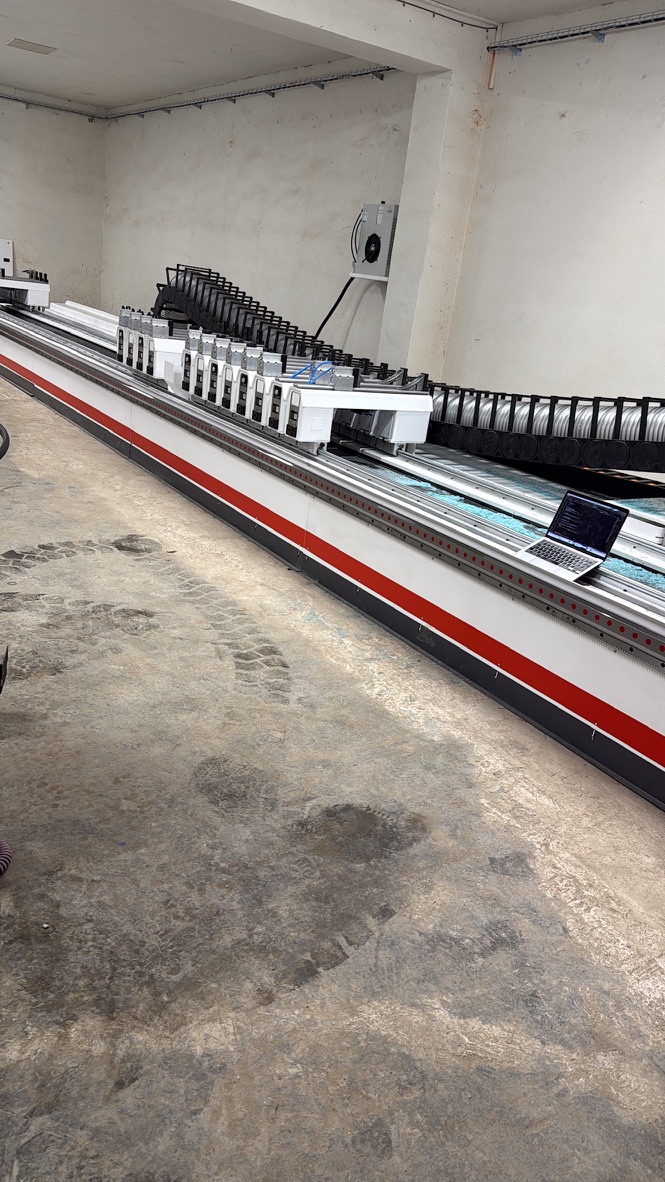
Case study: a custom Autodesk Fusion add-on connects a Houfek CNC machine (Fanuc control) to automatic beams and interchangeable fixtures via Fanuc FOCAS.
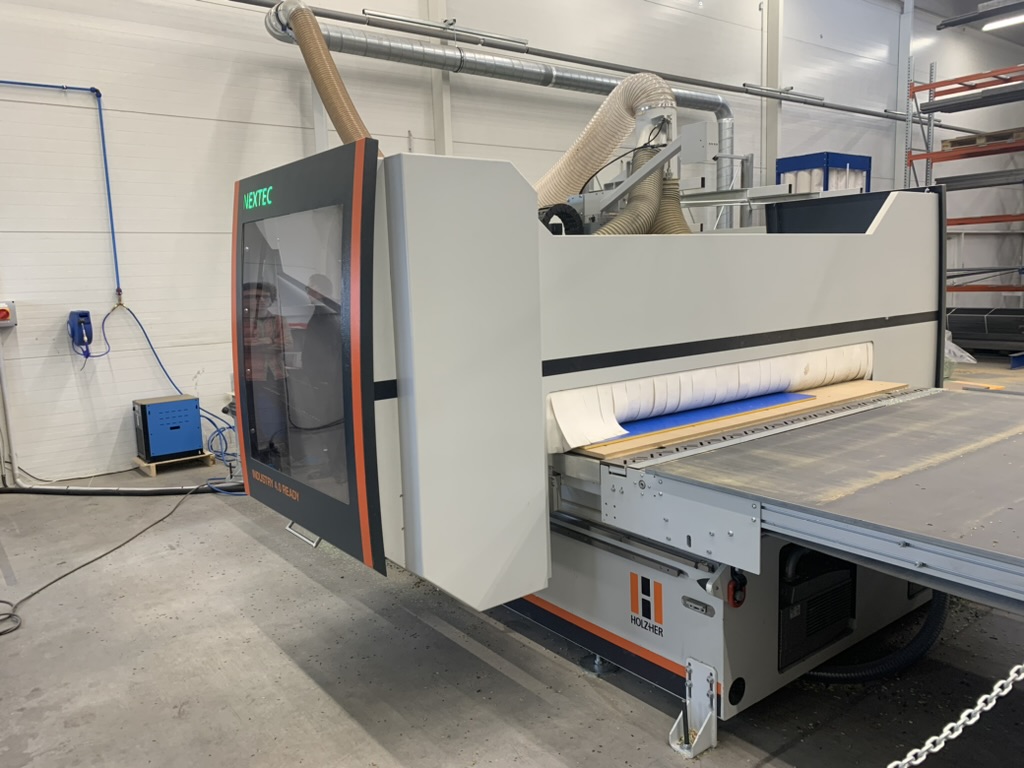
Complete guide to connecting Autodesk Fusion CAD/CAM with Holzher CNC machines through the NC HOPS (WOP) control system. Import the CCSOFTCZ postprocessor, set the correct WCS, and avoid the most common start-point and drilling errors.
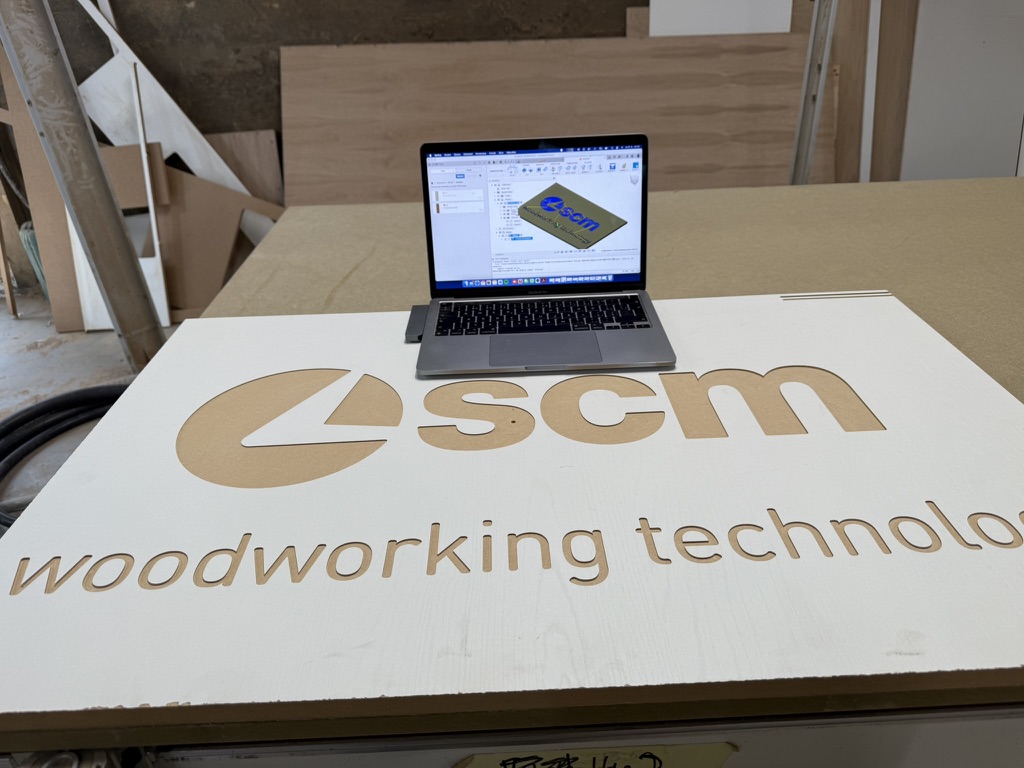
The complete guide for woodworking shops: connect Autodesk Fusion to SCM CNC machines with an intelligent XCS postprocessor and native operations.
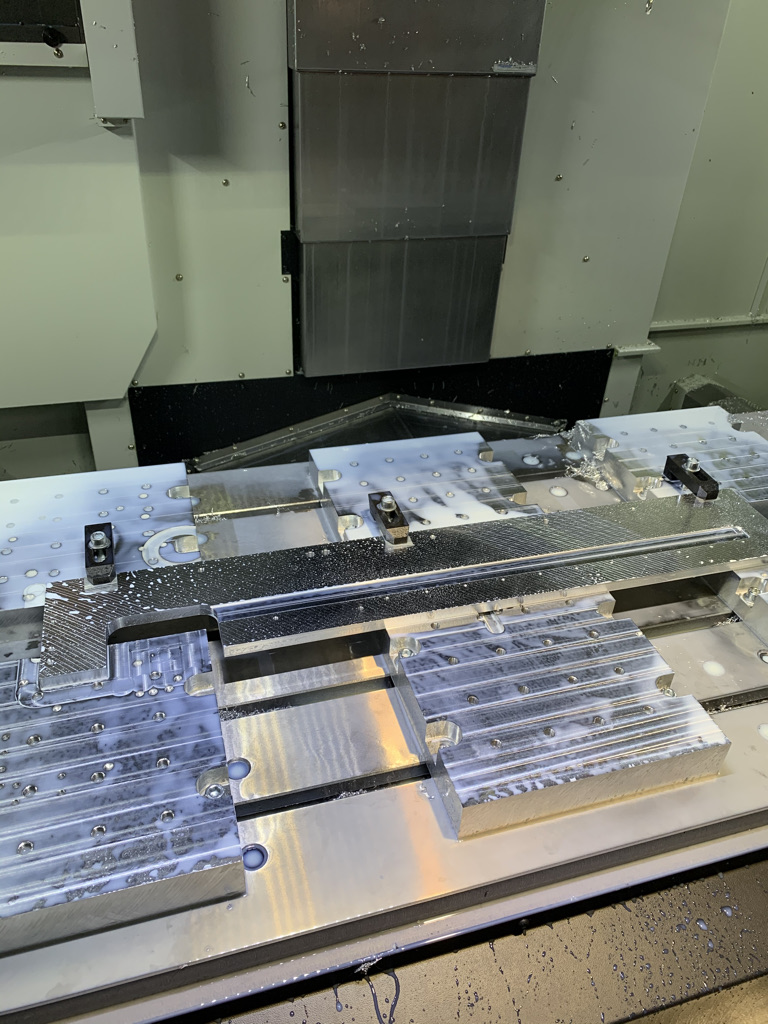
Case study: how GLEICH Aluminium streamlined NC programming for their 3-axis Doosan DNM 7500L machining center using Autodesk Fusion and a custom CCSOFTCZ Fanuc postprocessor with Mimatic angle head support.
Case study: how Slovenian manufacturer Mizarstvo Grošelj used Autodesk Fusion with a custom CCSOFTCZ post-processor to unlock 5-axis CNC machining for solid surface fabrication.
Case study: how Pith & Stem used Autodesk Fusion 360 to automate production of the DropTop folding wall table across three different CNC machines.

Learn how Autodesk Fusion post processors work, how to install and edit .CPS files, configure Post Properties and safely test CNC output.

How to connect Autodesk Fusion 360 with woodworking CNC machines such as SCM Maestro or Biesse bSolid for a seamless CAM workflow with no data loss.
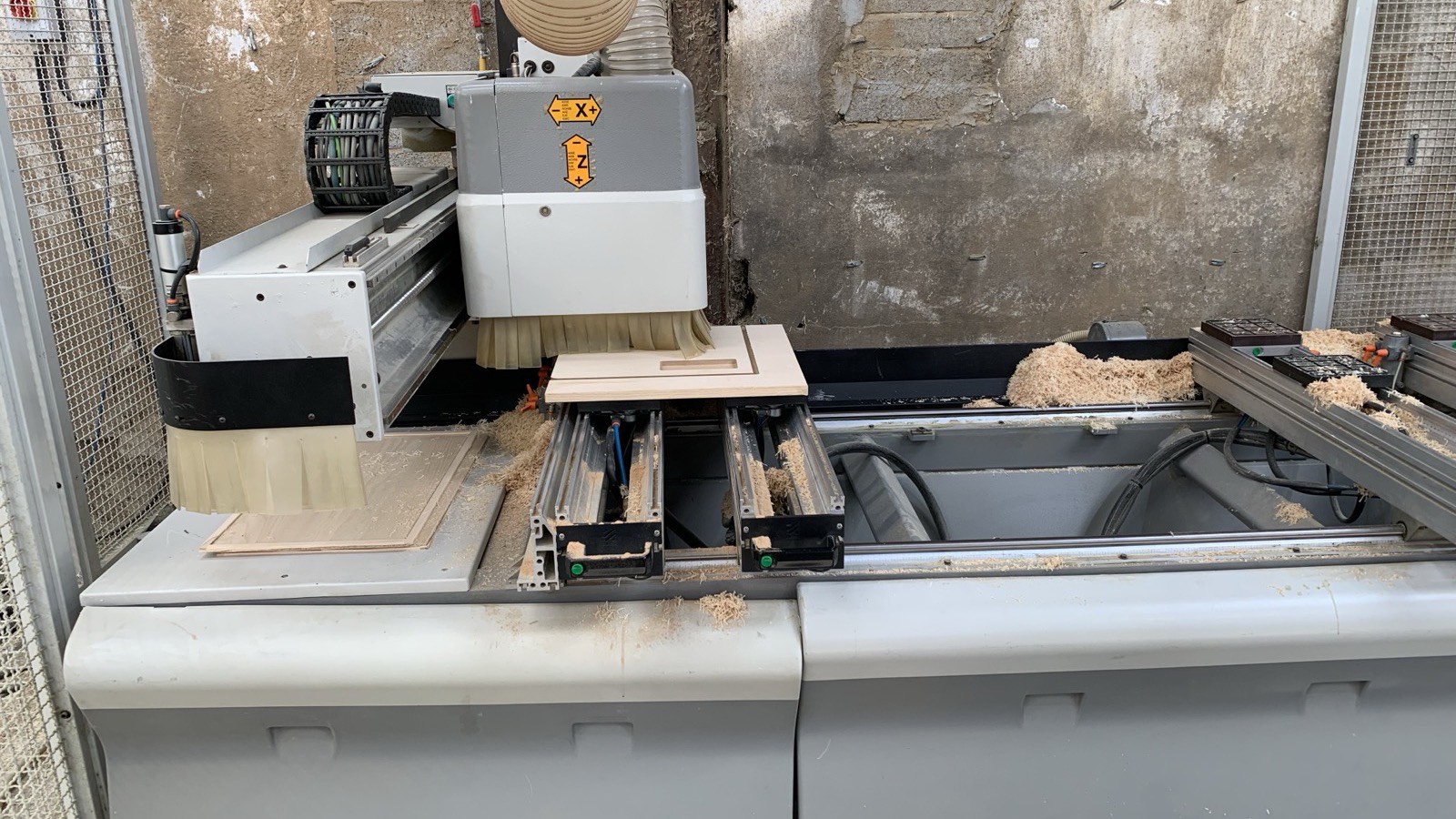
Can Autodesk Fusion work with an older CNC machine? Learn how custom post processors, smoothing, tolerance optimization and DNC can overcome legacy controller limitations.
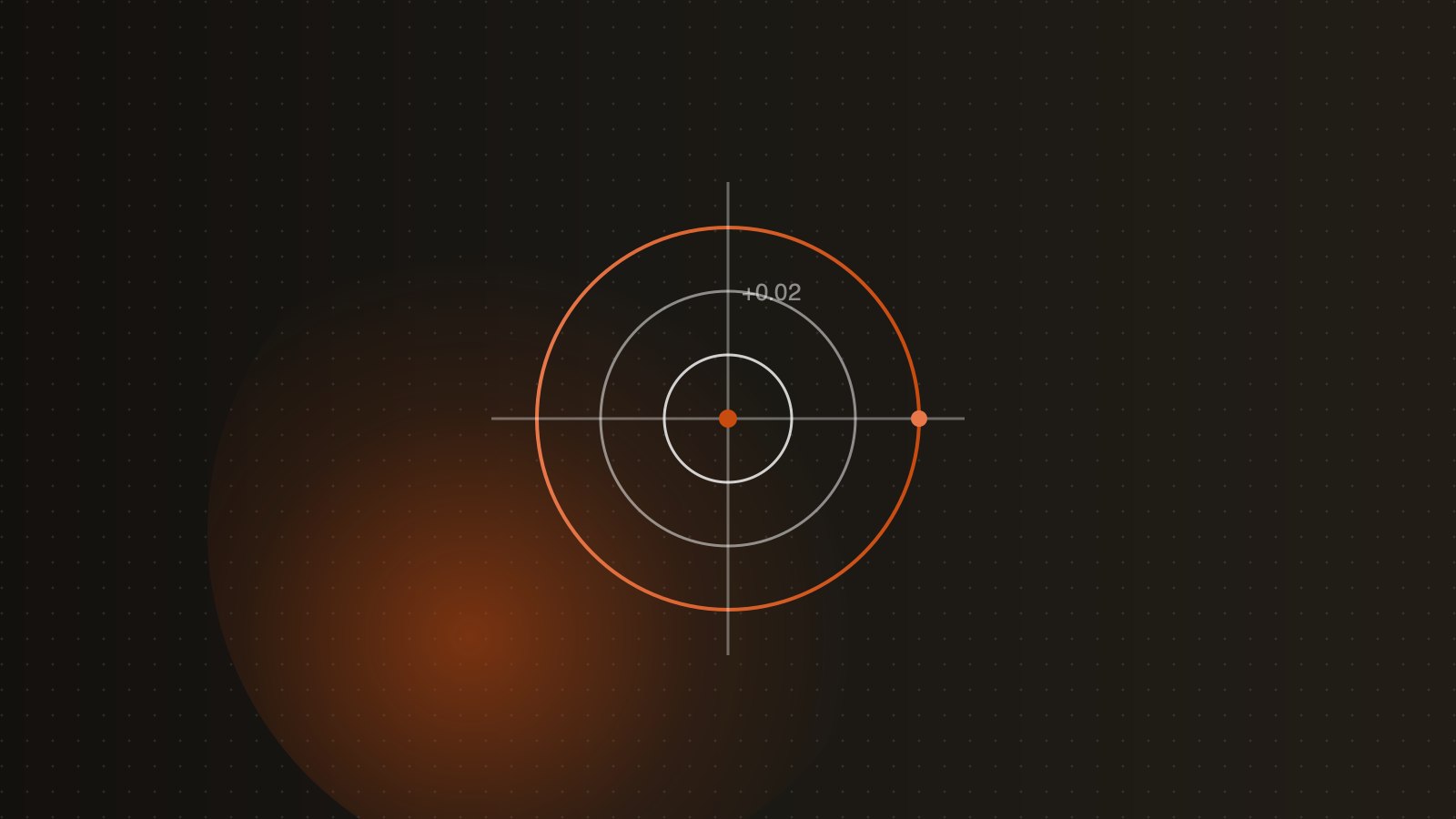
How the In Computer, In Control, and Wear tool compensation types work in Fusion 360, and which method to choose for maximum machining accuracy.

Learn how Autodesk Fusion can be used for professional woodworking CNC, including parametric design, CAM, nesting and machine-specific postprocessors.
Learn what a CNC post processor does, how CAM toolpaths become machine-ready code, and when Autodesk Fusion needs a custom postprocessor.