
When several identical parts are machined, maintaining duplicate toolpaths adds work without adding value. At CNC Plus, s.r.o., we therefore connected a part pattern prepared in Autodesk Fusion to a modified postprocessor for a FANUC ROBODRILL.
The result is a readable NC program that stores the path for each operation only once. Individual fixture positions are controlled through the G52 local coordinate shift, subprograms and Fanuc Macro B variables. The operator can decide at the machine how many parts—and exactly which positions—will be machined.
Quick answer
- Customer: CNC Plus, s.r.o. in Třebíč, Czech Republic—precision milling of metals and plastics for series and one-off production.
- CAM and machine: Autodesk Fusion CAM and FANUC ROBODRILL.
- Solution: a custom-modified postprocessor for patterned and indexed machining.
- Key technology: G52, local subprograms, M98 Q and Fanuc Macro B.
- Main benefit: one reference toolpath, flexible fixture-position selection and a more readable NC output.
In this case study
Starting point: multiple parts in one setup
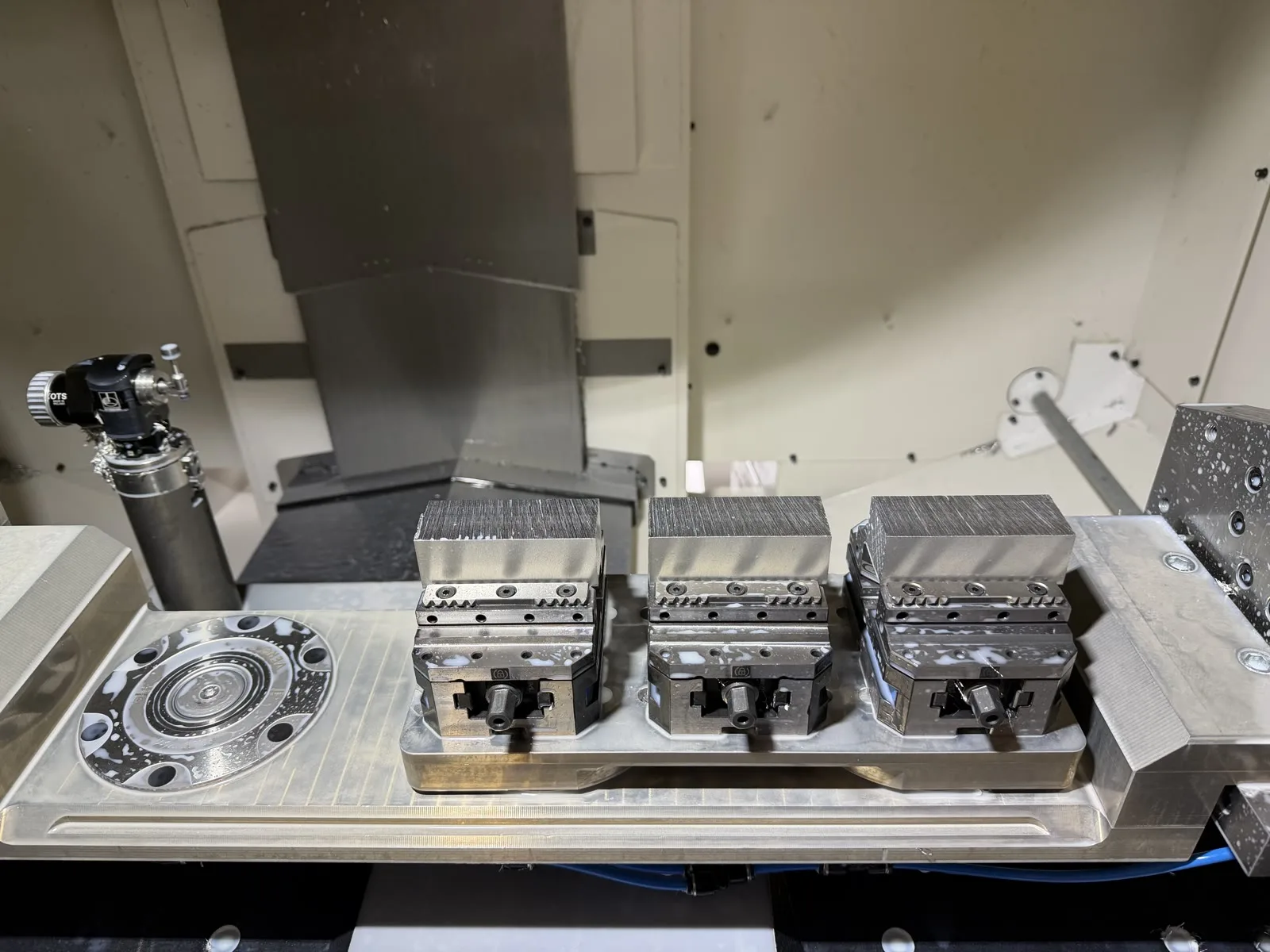
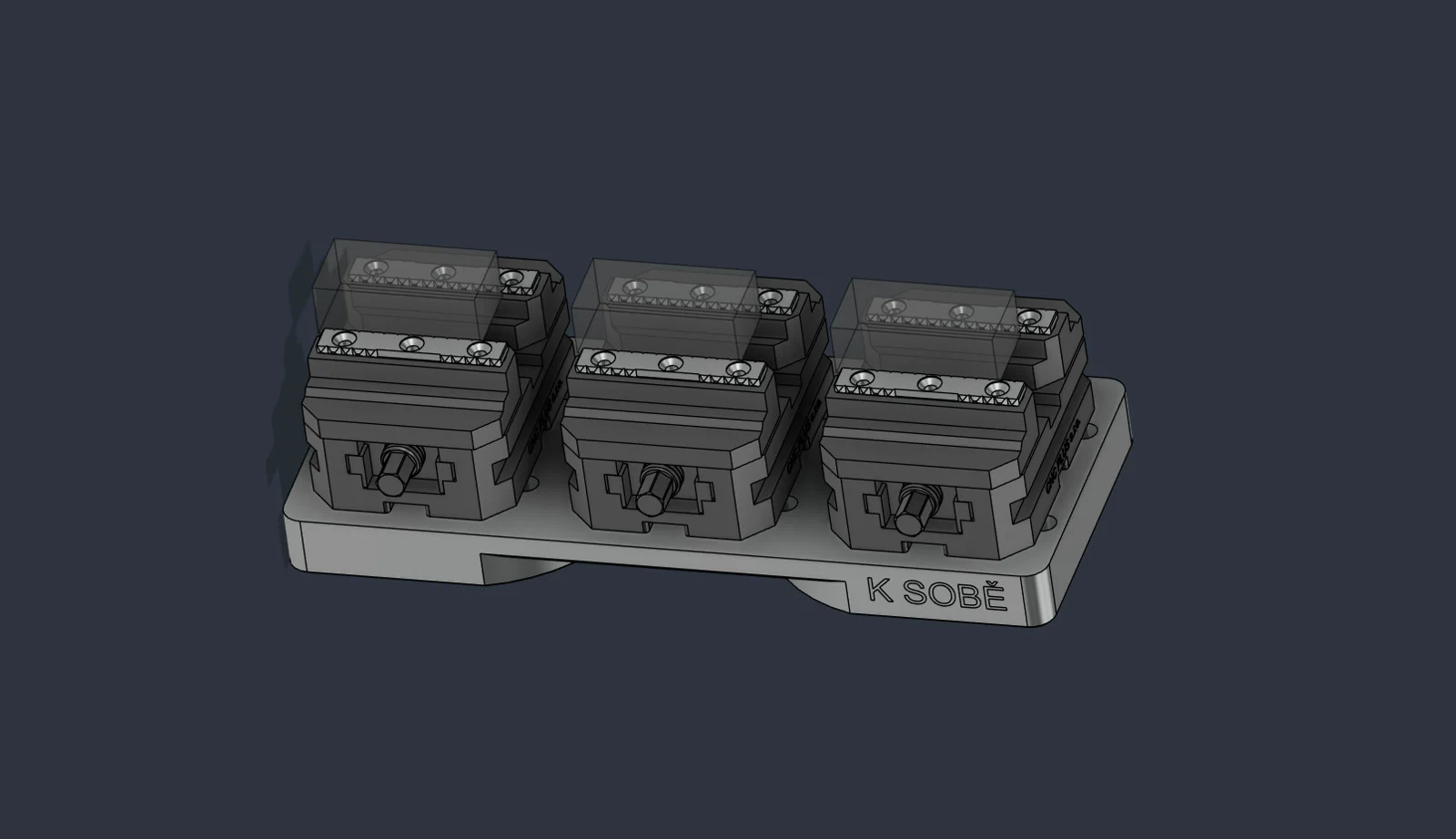
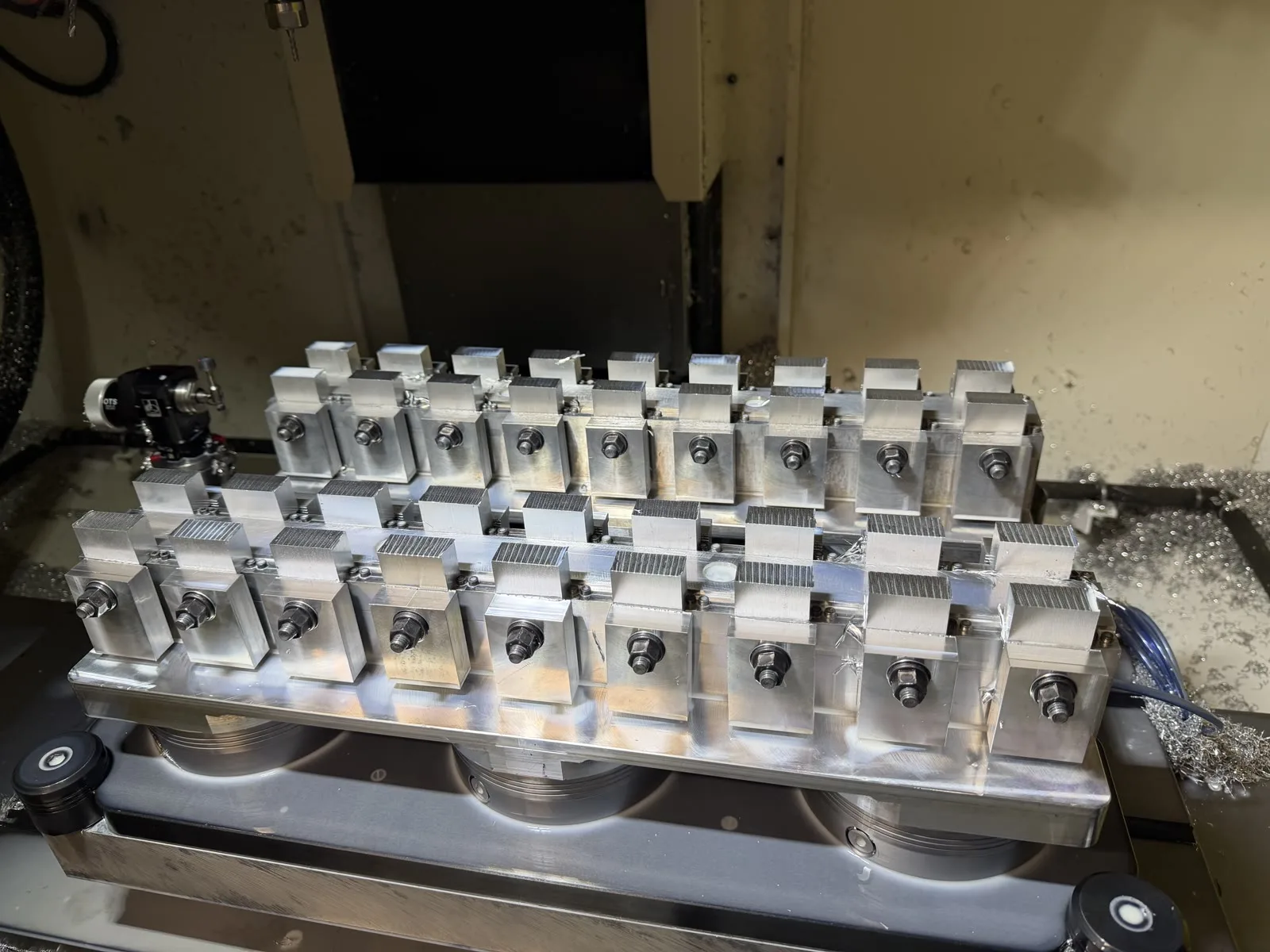
In series production, it makes sense to use the machine envelope efficiently and clamp several identical parts at once. The programmer prepares the machining for one position and creates a pattern in Fusion. The toolpath stays the same; only the location of each copy changes.
The integration had to transfer this logic into an NC program that remained easy for both the programmer and operator to read. It also had to reflect the actual fixture loading without manually copying long blocks of code.
How the integration works
The programmer prepares the Setup, tools, machining operations and pattern in the normal way in Autodesk Fusion. During NC generation, the modified postprocessor identifies the positions and creates a structure tailored to the FANUC ROBODRILL control.
The workflow has four layers:
- CAM: model, Setup, tools, operations and part pattern.
- Translation: the postprocessor recognizes the pattern positions.
- NC logic: Fanuc Macro B and the G52 local shift control active positions.
- Machine: M98 Q calls the reference path for the selected position.
Each unique toolpath is stored only once in a local subprogram. The main program decides which position to machine, applies the corresponding shift and safely returns it to zero afterwards.
A pattern controlled by Fanuc Macro B
The NC program begins with a separate, readable setup block. This example defines three parts with 115 mm pitch along X:
(POLE 1 - LINEARNI)
#511=3       (POCET INSTANCI VCETNE PRVNI)
#512=115.    (ROZTEC X)
#513=0.      (ROZTEC Y)
#514=1       (MASTER POLE)
#515=1       (DILEC 1 X0. Y0.)
#516=1       (DILEC 2 X115. Y0.)
#517=1       (DILEC 3 X230. Y0.)
Variable #511 sets the number of processed positions, #512 and #513 define the pitch, and the remaining variables act as switches. A value of 1 means machine the position; 0 skips it.
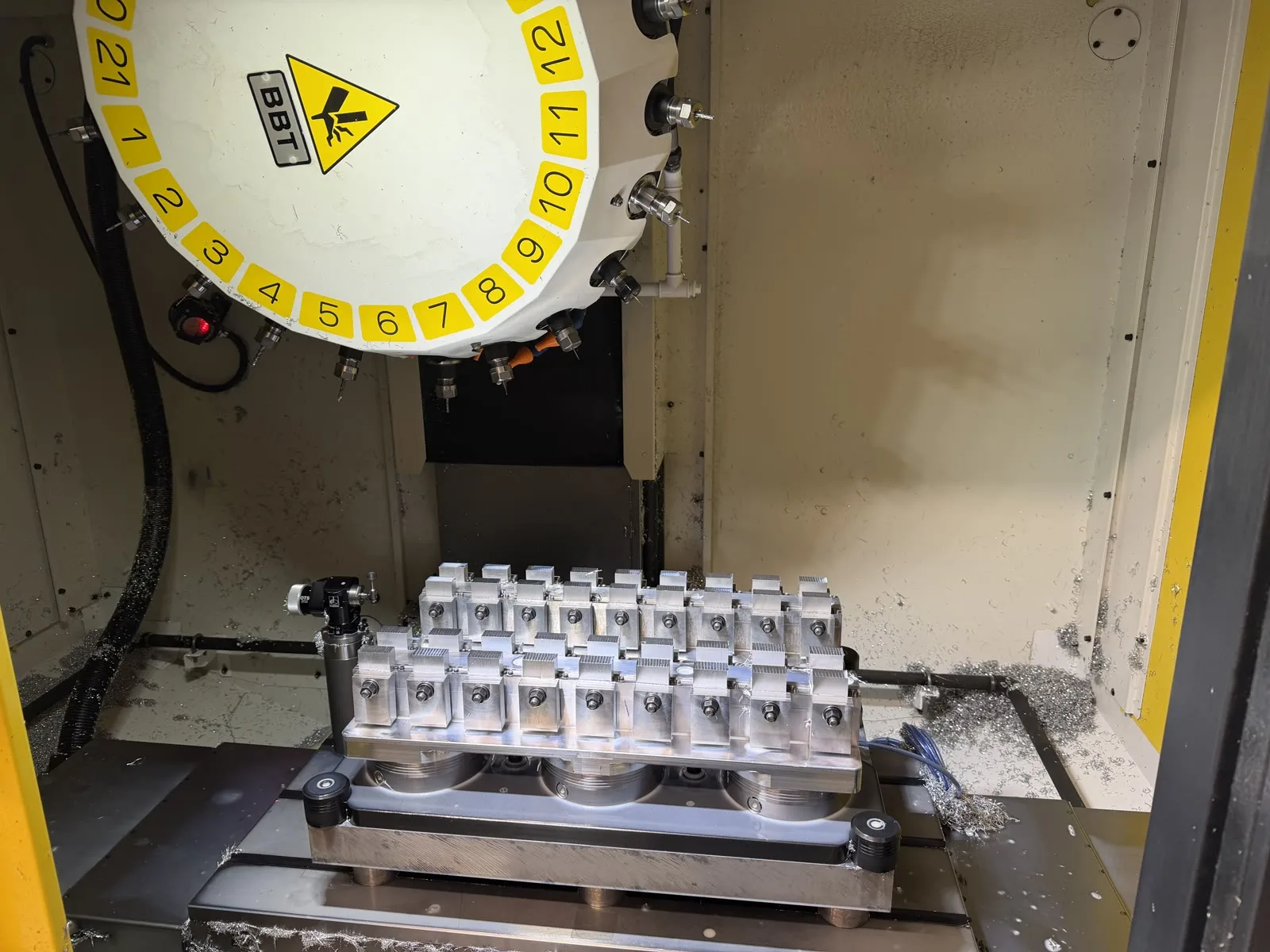
If the second blank is not loaded, for example, the operator sets #516=0. The first and third parts run normally while the second position is safely skipped. There is no need to delete program sections or post the NC code again.
For more background on variables, conditions and safe commissioning, see our guide to Fanuc Macro B and G65 CNC automation.
One path, repeated use
The machining path itself is stored as a local subprogram. Before calling it, the main program checks whether the part is active and applies the appropriate shift.
IF[#511LT2]GOTO90001
IF[#514EQ0]GOTO90001
IF[#516EQ0]GOTO90001
G52 X[#512*1] Y[#513*1] Z0.
M98 Q10
N90001
G52 X0. Y0. Z0.
Every position is calculated from the same reference origin. Whether the operation runs or is skipped, G52 X0. Y0. Z0. follows, so shifts do not accumulate from one part to the next.
NC output prepared for production
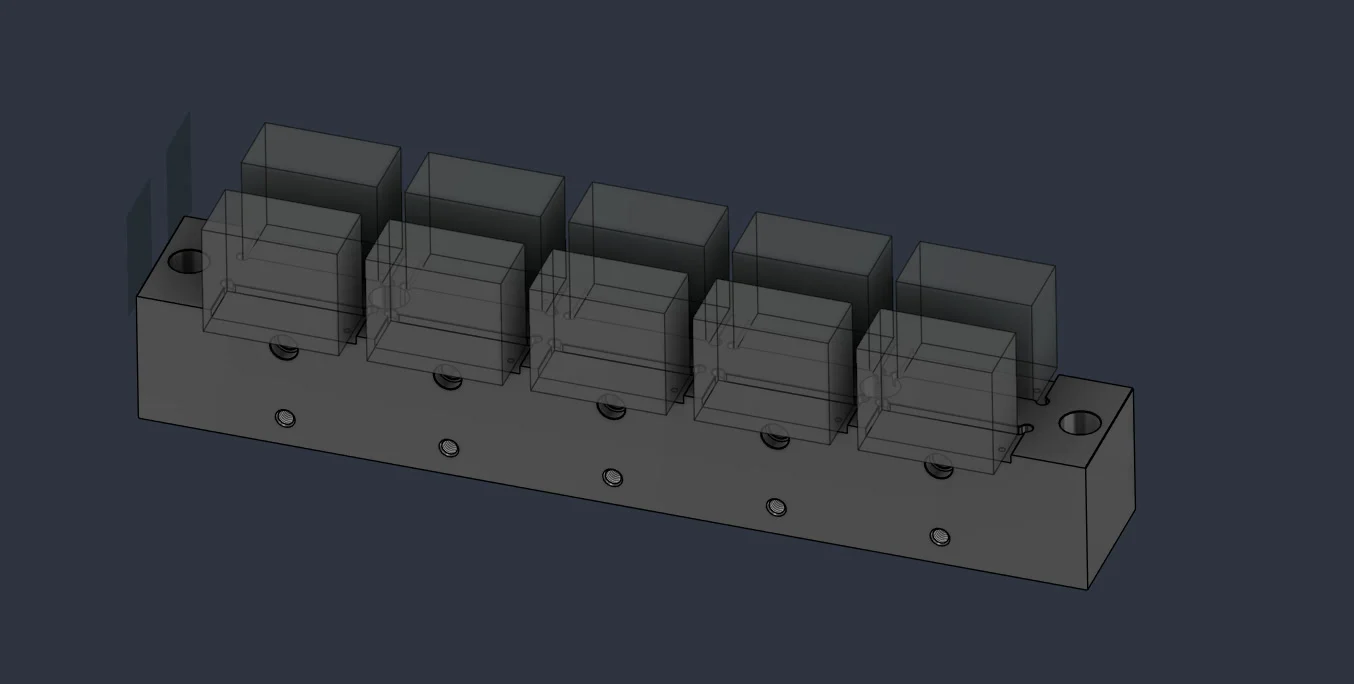
The postprocessor modification goes beyond the pattern itself. Program readability at production handover is equally important. The header automatically contains the date, author, postprocessor revision and a tool list with the lowest Z coordinate reached by every tool.
O1234 (413-4003-13-A)
(13.10.2026)
(MAREK SKOTAK)
(NASTROJOVY LIST)
(T1 VRTAK_9TK_L83_KL.25X70_BT.30 Z=-36.638)
(PP VERSION 1310_1230)
The postprocessor also prepares technology blocks for tool changes, coolant, optional stops before operations and indexed machining. The program therefore follows the actual process used on this machine.
After a tool change, the pattern values are loaded again and passed through a checking subprogram. It validates items such as the allowed part-count range, an integer part count and the state of each switch. If a value is invalid, the control raises an alarm before that operation starts cutting.
What the solution gives CNC Plus
- Shorter NC program: the reference path is stored once and called again for other parts with the appropriate shift.
- Flexible fixture loading: the operator can enable or disable individual positions in a clear variable block.
- Better program readability: the header, operation names, tool list and comments simplify the pre-run check.
- Consistent workflow: the pattern logic is generated automatically during post processing and matches the specific ROBODRILL process.
About CNC Plus, s.r.o.
CNC Plus is based in Třebíč, Czech Republic, and specializes in precision milling of metals and plastics. The company has worked in this field since 1997 and provides both series and one-off production. Its website lists production runs from 10 to 100,000 parts, 24 machining centres and turning services.
An integration built around real production
The postprocessor was developed for the actual machine configuration and CNC Plus requirements. This was not simply a generic conversion of toolpaths into G-code; it connected Fusion preparation to the way the programmer and operator work in production.
The programmer prepares the pattern in CAM, the postprocessor generates a controlled program structure, and the operator receives a simple setup for each position. One NC output can therefore adapt to the current fixture loading without altering the toolpaths themselves.
Conclusion
The Autodesk Fusion and FANUC ROBODRILL integration at CNC Plus shows that a well-designed postprocessor can carry more than toolpath geometry. It can also add fixture logic, position selection, setup validation and the information the operator needs.
Combining G52, local subprograms and Fanuc Macro B makes it possible to reuse one reference path across multiple parts. The outcome is a flexible, readable NC program ready for everyday production.
Need to connect Autodesk Fusion to a specific CNC machine in a similar way? Explore our custom postprocessors for Autodesk Fusion or send us the machine details and a proven NC sample.
