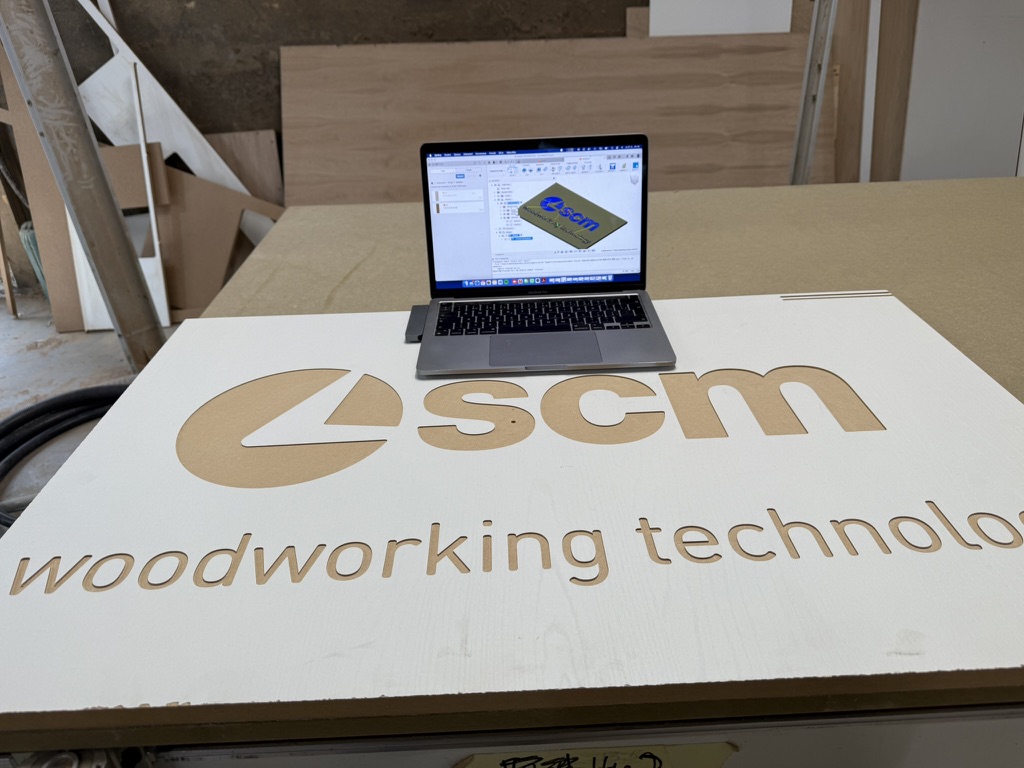
Today’s wood and furniture manufacturing industry faces growing pressure for speed, flexibility, and the ability to produce highly customized design elements. Modern joinery shops invest heavily in top-tier hardware. CNC machining centers from the Italian manufacturer SCM — whether the flexible Morbidelli m100/m200 series, the robust 5-axis Accord machines, or the Pratix nesting centers — represent the absolute cutting edge of the technology.
Yet many companies run into an invisible barrier that drastically reduces the return on these investments: an outdated software workflow in production preparation. This in-depth guide shows you how to fundamentally transform your operation, eliminate lengthy shop-floor programming, and connect Autodesk Fusion directly to SCM control systems using CCSOFTCZ’s advanced XCS postprocessor.
Status quo: why traditional SCM Maestro programming hits its limits
In many Czech and international joinery shops, the daily reality looks remarkably similar. A designer or engineer creates the furniture in a general-purpose CAD package. To hand the data off to production, they export the assembly into flat 2D formats — most often DXF. The CNC operator, in the office or right at the machine panel, then has to open these DXF files manually in SCM’s factory software, Xilog Maestro, and start “clicking” toolpaths from scratch.
The operator manually enters milling depths, tool diameters, lead-in parameters, and defines the geometric shapes. This approach carries enormous hidden costs and risks:
- Total loss of associativity (parametric behavior): The moment a customer changes a cabinet height or the depth of a back-panel groove at the last minute, the entire process collapses. The 2D exports have to be redone, and the CNC operator has to re-click the whole program in Maestro from the beginning. This causes massive time loss and frustration.
- A technological ceiling for smooth 4- and 5-axis machining: If you need to produce a design chair with a shaped backrest, 3D panels, or complex staircase elements, the possibilities of programming directly in Maestro run out. Defining a smooth simultaneous 5-axis motion on the machine panel is practically impossible, both mathematically and technologically.
- High dependency on the human factor: Manually re-entering dimensions and tool parameters right on the shop floor is the most common source of errors — leading to costly scrap, damaged spindle tooling, or, worse, a collision with the aluminum body of the vacuum cups.
Is outdated software holding back your SCM CNC machines? Talk to us about moving to a full CAD/CAM system.
Get a free consultation →The solution: Autodesk Fusion as the unified brain of modern production
Deploying the cloud platform Autodesk Fusion brings a completely new standard to the woodworking industry. Fusion combines a top-tier parametric 3D CAD design environment with an uncompromising CAM module in a single environment, supporting everything from basic 2.5-axis milling to smooth 5-axis strategies.
The key advantage is that design and manufacturing share the same data. If you change a part’s dimension in the CAD model, the CAM module immediately detects the geometry change and the toolpaths recalculate automatically. Any intermediate DXF export step disappears entirely.
The CAM software alone, however, is only half the solution without the right translator. For an SCM machine to know exactly what to do, it needs code that respects its specific kinematics, aggregates, and control-system logic (Xilog Plus / Maestro). And that’s exactly where CCSOFTCZ’s key technology comes in.
Technical core: how CCSOFTCZ’s intelligent XCS postprocessor works
Postprocessors commonly available on the market often generate only so-called “dumb ISO code” — a long string of G-codes that the machine executes, but where the shop-floor operator sees nothing but thousands of lines of numbers. The CCSOFTCZ development team took a completely different route. Our specialized postprocessor generates native .xcs files that integrate Fusion’s CAM logic directly into the SCM environment.
Here are the three main technical pillars that set this postprocessor apart from the competition:
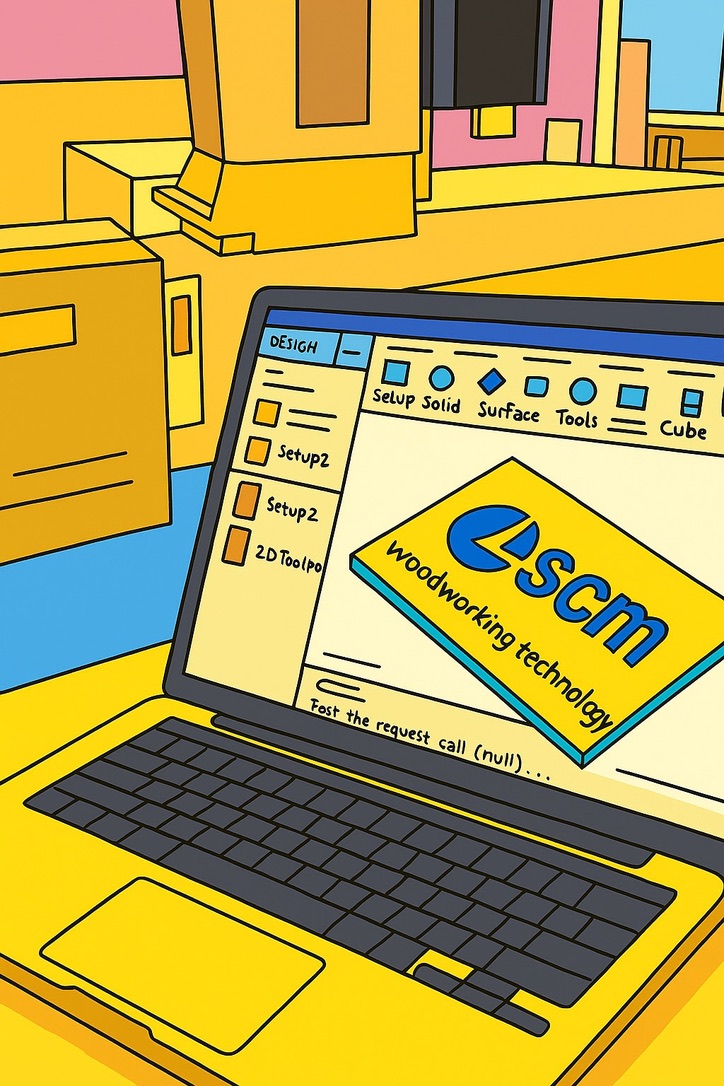
1. Native operations instead of raw code
When you generate code through our postprocessor and import it into SCM Maestro, you won’t see a confusing wall of text in the program tree. Maestro recognizes the code as a set of real, native operations — as if they had been programmed directly inside it.
The postprocessor also carries over the exact operation names you defined in Autodesk Fusion. If you name your CAM operations things like Face Alignment, Outer Contour, Hinge Pocket, or 8mm Drilling, the operator at the machine panel will see exactly those names. This dramatically increases clarity and makes it much easier to review the program before running it.
2. Breakthrough feature: offset variables directly on the machine panel
One of the biggest technological advantages of the latest version of our postprocessor is the implementation of the “Use variable for operation” function.
When generating code in Fusion, you can check this option. The postprocessor then creates a separate sub-plane in SCM Maestro for each selected operation (e.g. pocket milling) and links it to internal offset variables for the X, Y, and Z axes.
What does this mean in practice? If the operator on the shop floor notices that, due to material tolerance or tool wear, a milled pocket needs to shift by 0.5 mm on the X axis, they don’t need to call the technologist in the office. They simply open the variable table right on the SCM machine’s screen, overwrite the offset value, and the machine immediately runs the adjusted path — while the original geometry from Fusion remains safely intact.
3. Full background automation and PGMX file creation
Our postprocessor doesn’t stop at generating a text .xcs file. It can automatically invoke SCM’s own original conversion tools, such as XConvertor, in the background of the operating system.
During a single postprocessing run in Fusion, the system checks data integrity in the background, links it to your tool database in Maestro, automatically loads the vacuum-cup and beam configuration, and generates the final, ready-to-run .pgmx file (or the older .pgm) directly. The entire process takes just a few seconds and runs fully automatically, without ever having to manually open external programs.
How Fusion and our postprocessor handle SCM-specific aggregates
Woodworking CNC machines are unique in that, alongside a standard main electrospindle, they use complex mechanical aggregates to speed up the work. Our postprocessor was built to fully support these aggregates.
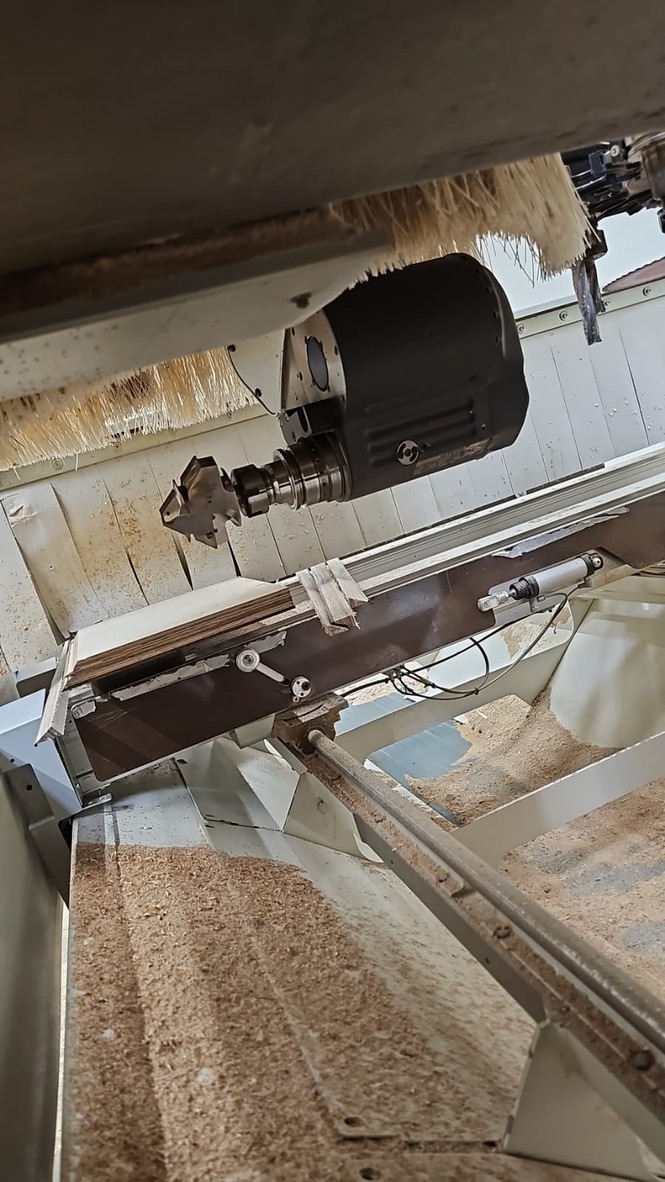
Drilling blocks and grouped drilling. SCM machines (such as the Morbidelli line) are equipped with massive drilling heads holding dozens of independently controlled vertical and horizontal spindles. If you use the Drilling operation in Fusion and select the automatic same-diameter selection option (Select same diameter), our postprocessor analyzes these toolpaths. Instead of merging them into one lengthy path for a single spindle in Maestro, it correctly activates the grouped drilling cycle, cutting the drilling time for furniture-dowel patterns down to a minimum.
Saw blade (grooving and formatting). The integrated saw aggregate on SCM machines is ideal for quickly creating grooves for cabinet backs or trimming part ends to size. In Autodesk Fusion, you can use the latest saw-cutting strategies, set the required tool overtravel, and the postprocessor takes care of correctly rotating the aggregate to the right angle and smoothly feeding the saw into the material.
Smooth 4- and 5-axis strategies. When machining complex 3D surfaces — such as shaped internal pockets, rounded edges on design tables, or staircase stringers — Fusion excels with strategies like Flow or Blend. Using the Machining Extension in Fusion, our postprocessor precisely calculates the smooth spindle tilt (in terms of the Vector / Lead and Lean axes) so that milling runs smoothly, the wood surface finishes perfectly smooth, and the machine moves without the jerky motions that could damage the axis mechanics.
Safety first: eliminating collisions through double-checking
Investing in an SCM 5-axis head or interchangeable aggregates represents significant capital. Fear that an operator will make a programming mistake and crash the spindle into the table at full speed, or damage the aluminum clamps, often leads companies to run their machines at half their real capacity instead.
With the Autodesk Fusion + CCSOFTCZ workflow, you get double-layer protection:
- Verification in the Fusion CAM module: The technologist in the office sees a complete 3D simulation of material removal. They see the exact toolpath, the tool shank, and the spindle holders. Any visual contact with material outside the cutting portion is immediately flagged in red as a collision.
- Verification inside SCM Maestro: Because our postprocessor generates native
.xcsoperations, the resulting code is checked directly in Maestro before it runs, where the real TV system (beams and vacuum cups) is defined. The shop-floor operator sees the exact layout of the vacuum cups relative to the cutter’s paths and can be confident that the tool won’t strike the machine’s clamping system.
Comparing production-preparation efficiency for SCM machines
| Feature | Old workflow (CAD → DXF → Maestro) | New workflow (Autodesk Fusion + CCSOFTCZ) |
|---|---|---|
| Changing a part dimension | Must be completely reprogrammed in Maestro from scratch | Toolpaths recalculate automatically with one click |
| Output code format | Hand-typed ISO code or limited import | Native .xcs / .pgmx operations with names carried over from the CAM |
| Shop-floor corrections | Impossible without editing the source program | Fine offset correction (X, Y, Z) via variables right on the machine |
| Smooth 5-axis shapes | Extremely complex to impossible | Support for advanced strategies (e.g. Flow) |
| Aggregate setup (saw/drills) | Manually defining each spindle individually | Automatic mapping of grouped cycles by the postprocessor |
Results in practice: what integration brings your company
Deploying this comprehensive CCSOFTCZ solution delivers measurable results within days of staff training:
- Drastically shorter production preparation: Time spent programming complex parts drops from hours to single-digit minutes.
- Maximum use of machine potential: You unlock 5-axis machining and advanced aggregate capabilities that previously sat idle.
- Independence from a single operator: Production can be prepared by a technologist in the office while the shop-floor operator simply runs verified, safe programs, keeping the flexibility to make minor corrections.
- Long-term sustainability: We continuously develop our postprocessor. Every few months we release updated versions that respond to new Autodesk Fusion features and to specific requirements from real joinery operations.
Conclusion: take your SCM CNC to the next level
SCM hardware is the powerful muscle of your production, but Autodesk Fusion combined with our intelligent XCS postprocessor is the brain that can drive that muscle effectively. Don’t hold your CNC machines back with outdated procedures and manual data re-entry.
At CCSOFTCZ, our service isn’t just selling software — it’s a complete, turnkey implementation. We fine-tune the postprocessor precisely for your tooling and aggregate configuration, and we run intensive on-site training for your staff. Do you have an SCM CNC machine on the shop floor and want to make its programming more efficient? Send us the details of your machine configuration — model, control system, and aggregates in use — and our CAM engineers will discuss custom integration options with you.
